
Download Tunnello VPN – Free Browser Extension for Secure & Anonymous Web Browsing on Windows, Mac, Android, iOS
Looking for a reliable, easy-to-use tool to bypass website restrictions and browse the internet securely? Tunnello VPN is a free browser extension designed specifically for Google Chrome, offering instant access to blocked websites and enhanced privacy protection. Whether you're at work, school, or traveling abroad, Tunnello helps you unblock content and surf anonymously with minimal setup.
While the free version provides one gigabyte of data per month, it’s perfect for light browsing, testing, or occasional use. For users needing more bandwidth, premium plans are available. With its seamless integration into Chrome and strong focus on security, Tunnello is a top choice for privacy-conscious users across Windows, Mac, Android, and iOS devices.
Why Tunnello VPN Stands Out Among Free Browser Extensions
Tunnello VPN has quickly gained popularity among users seeking a simple yet effective way to bypass internet restrictions without installing complex software. Unlike traditional VPNs that require full system-level configurations, Tunnello operates directly within the Google Chrome browser as a lightweight extension. This makes it ideal for users who want to unblock websites instantly—whether it's social media, streaming platforms, or news sites restricted by schools, workplaces, or government policies. The extension works by routing your browser traffic through secure servers, encrypting your data and masking your IP address to ensure anonymity. One of the key advantages of Tunnello is its minimal learning curve. There’s no need to configure settings, install drivers, or manage complicated profiles. Simply download the extension from the Chrome Web Store, click to activate, and you’re ready to browse freely. The interface is clean and intuitive, with a single toggle button to turn the VPN on or off. For users concerned about privacy, Tunnello uses strong encryption protocols to protect your online activity from prying eyes, including ISPs, hackers, and network administrators. Despite being free, Tunnello maintains a solid reputation for performance and reliability. It supports fast connection speeds, especially for browsing and streaming low-to-medium quality content. However, users should be aware that the free tier comes with a 1GB monthly data cap. Once you exceed this limit, you’ll either need to upgrade to a paid plan or wait until the next billing cycle. While this may limit heavy users, it’s a fair trade-off for a free service that delivers consistent results. For those who value simplicity, speed, and privacy, Tunnello VPN offers a compelling solution without the complexity of full-featured desktop VPNs.Key Features That Make Tunnello a Must-Have Browser Tool
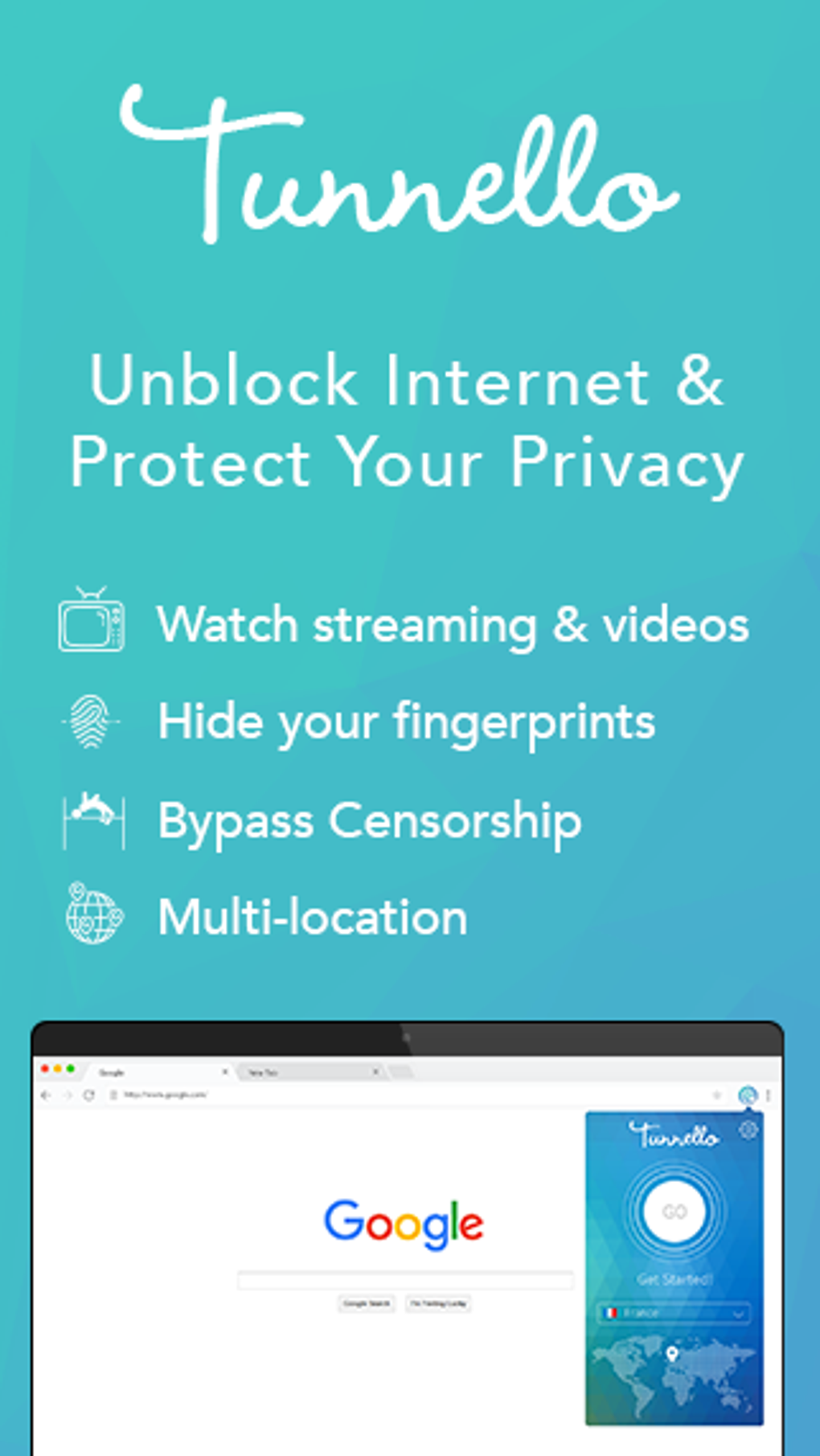
Tunnello VPN comes packed with features tailored to enhance both privacy and accessibility. The core functionality revolves around bypassing geo-restrictions and network filters, making it a go-to tool for users in censored regions or restricted environments. Here’s a closer look at what sets Tunnello apart:- One-Click Connection: Activate the VPN with a single click—no technical knowledge required.
- Secure Encryption: All data transmitted through the browser is encrypted using industry-standard protocols.
- Anonymous Browsing: Hide your real IP address and location to prevent tracking and surveillance.
- Free 1GB Monthly Data: Perfect for light browsing, checking emails, or accessing blocked sites occasionally.
- Chrome-Only Extension: Built specifically for Google Chrome, ensuring compatibility and optimal performance.
- Automatic Updates: The extension auto-updates to ensure you always have the latest security patches.
- No Installation Required: Download and use instantly—no system changes or admin rights needed.
How to Install and Use Tunnello VPN on Windows, Mac, Android, and iOS
Getting started with Tunnello VPN is straightforward and takes less than a minute. Since it’s a Chrome extension, the process is the same across all major operating systems—Windows, Mac, Android, and iOS—as long as you’re using Google Chrome. Here’s a step-by-step guide: 1. **Open Google Chrome** on your device (available for Windows, Mac, Android, and iOS). 2. **Visit the Chrome Web Store** by navigating to chrome.google.com/webstore. 3. **Search for “Tunnello VPN”** in the search bar. 4. **Click “Add to Chrome”** and confirm the installation when prompted. 5. Once installed, you’ll see the Tunnello icon in your browser’s toolbar. 6. **Click the icon** and toggle the VPN on to begin browsing securely. 7. You can now access blocked websites and enjoy anonymous browsing. For users on Android and iOS, the Chrome app must be installed first. The extension works seamlessly within the Chrome browser on mobile devices, allowing you to unblock content on the go. While Tunnello doesn’t offer a standalone app for mobile, the browser-based version delivers similar functionality. It’s important to note that Tunnello only protects traffic within the Chrome browser. If you need full device-level protection, you’ll need to consider a desktop or mobile app-based VPN. However, for users who primarily browse through Chrome, this limitation is minimal. The extension also supports automatic updates, so you’ll always have the latest version without manual intervention. To ensure optimal performance, it’s recommended to disable other ad blockers or security extensions that might conflict with Tunnello. Additionally, always use the latest version of Chrome for the best compatibility and security.Compatibility and System Requirements
Tunnello VPN is designed to work across a wide range of platforms, ensuring broad accessibility for users worldwide. The extension is compatible with:- Operating Systems: Windows 7 and later, macOS 10.12 or higher, Android 5.0+, iOS 12.0+
- Browser: Google Chrome (desktop and mobile)
- Internet Connection: Stable broadband or mobile data
- Storage: Minimal space required—less than 50MB
Pros and Cons: Is Tunnello Right for You?
Before deciding whether to download Tunnello VPN, consider the following pros and cons based on real user feedback and technical performance.Pros
- Free to download and use with 1GB monthly data
- Simple one-click activation—no technical setup
- Strong encryption for secure browsing
- Works instantly on Windows, Mac, Android, and iOS via Chrome
- Regular automatic updates for security and performance
- Minimal impact on device performance
- Excellent for unblocking websites at school or work
Cons
- Only 1GB of free data per month—limited for heavy users
- Only available for Google Chrome (not other browsers)
- No standalone mobile app—only browser-based on mobile
- Doesn’t protect non-Chrome traffic
- Premium plans required for more data (pricing not transparent)







